Personal investing 2026
Folio
A complete investment workspace that connects the portfolio overview to the decisions behind it. Explore four holdings, adjust the mix, review the exact movements and see the updated portfolio and activity together.
- Product identity
- Investment workspace
- Allocation workflow
- Responsive interface
Different proportions.
The whole picture.
Read the portfolio, inspect a holding and review how a sample allocation change affects the whole.
- 01
Understand each holding
Instrument detail connects units, price and current value to the wider allocation, with the same figures across overview and holdings.
- 02
See the exact change
The allocation editor turns percentages into purchases and sales. Review shows those movements before the sample holdings update.
- 03
Plan future contributions
A monthly amount and collection day form a separate plan. Its annual projection never silently inflates the current portfolio balance.
A visual language for the whole portfolio
The whole picture, first
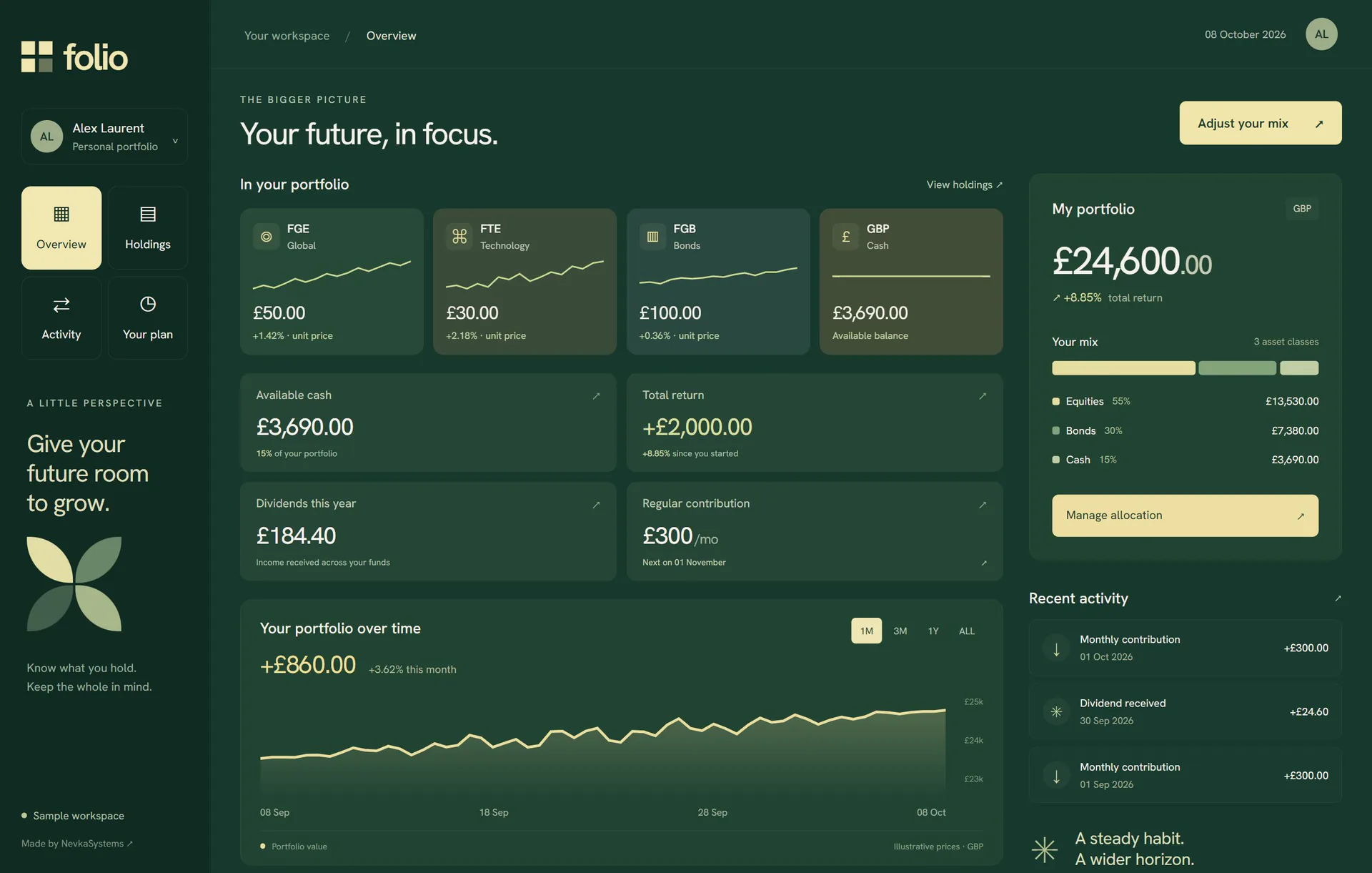
The workspace keeps instrument prices, available cash, portfolio return, income and allocation in one structured view. A separate portfolio column holds the total and current mix, so detailed information always has context.
Inside the allocation
A complete allocation journey
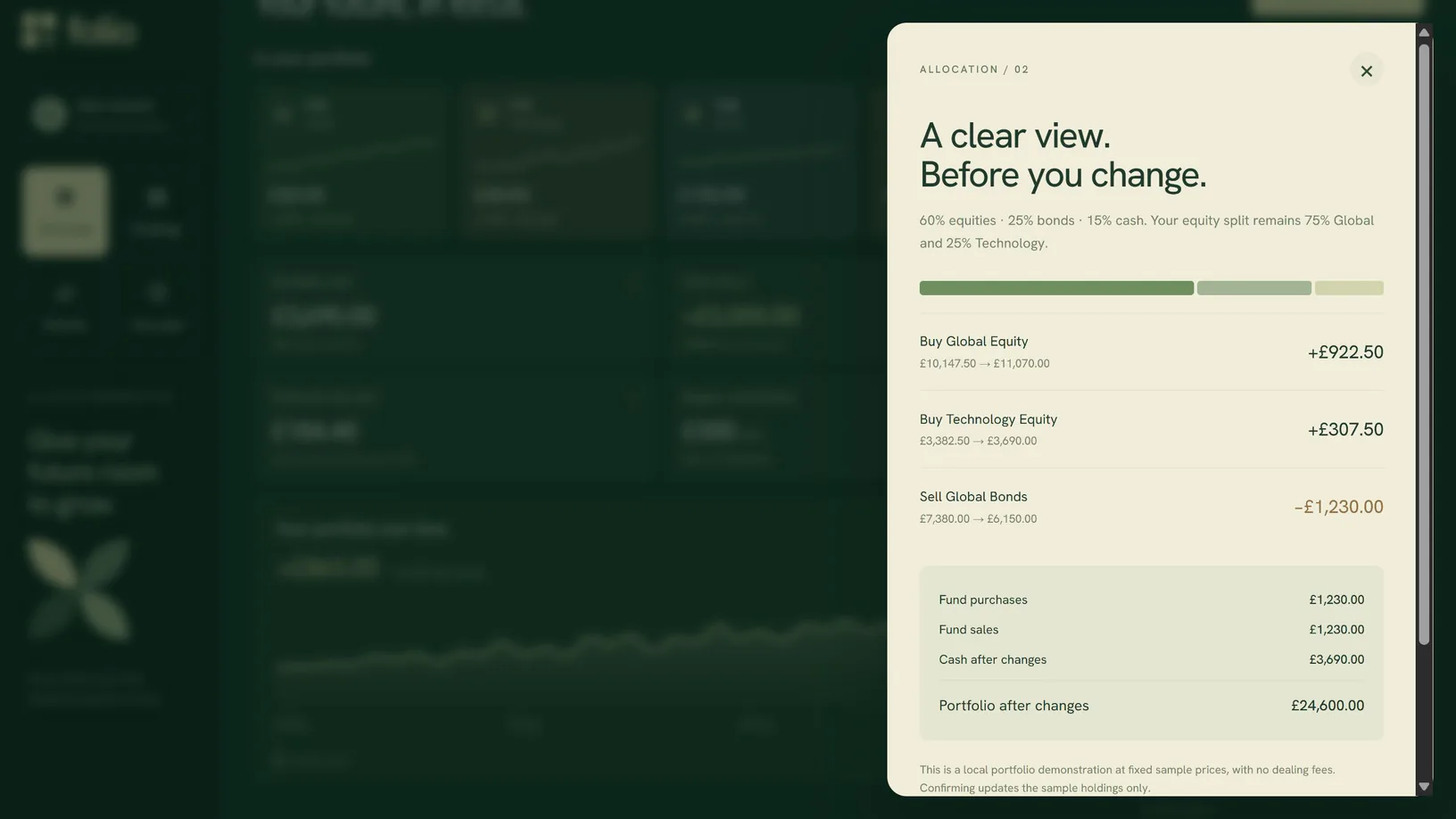
Whole-number percentages must total 100%. A proposed change is reviewed as exact buy and sell amounts, then saved to the sample portfolio with an activity record. The total remains conserved at fixed sample prices.
Connected portfolio views
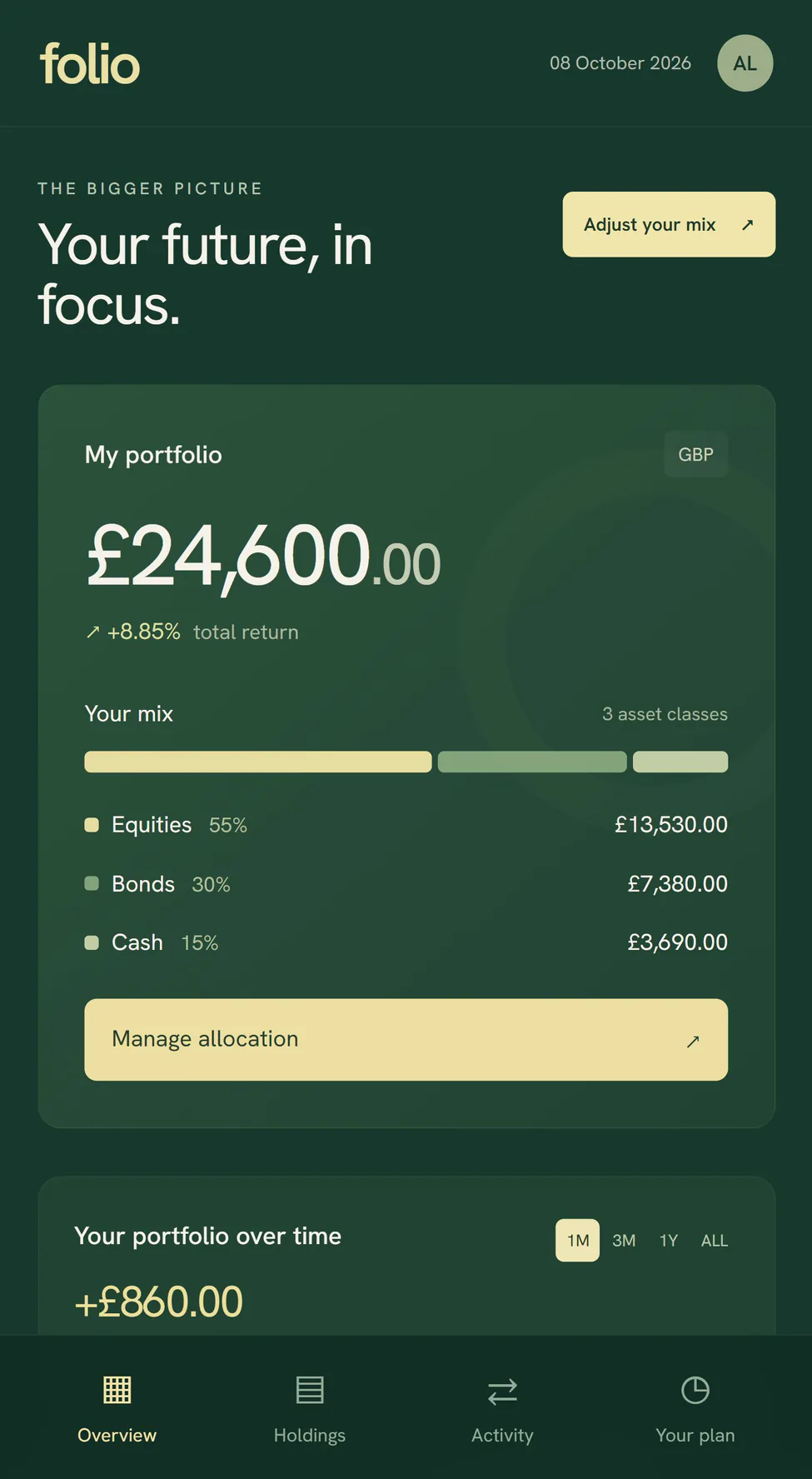
Four holdings share one £24,600 portfolio. Asset filters, holding details, unit prices and values remain connected to the overview and its three asset classes.
A regular contribution plan
Choose a monthly amount and contribution day, preview a year's contributions and save the plan locally. Future contributions are separate from the current portfolio balance.
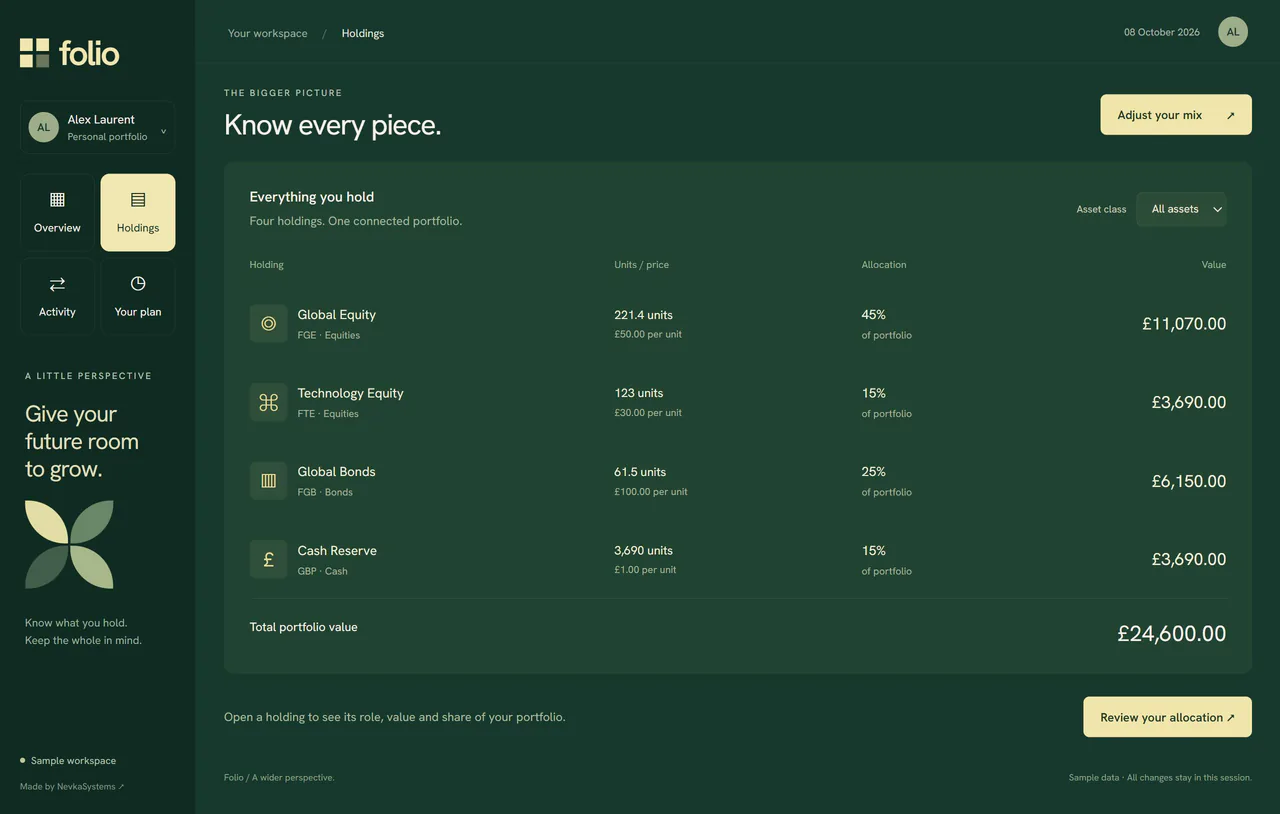
The complete composition
Every change adds up
Holding details lead into an allocation editor. The review translates percentages into specific fund purchases, sales and cash movements before confirmation updates the holdings and records the change.
Engineering approach / Proposed architecture
An allocation backed by its holdings.
Folio would connect imported holdings, portfolio valuation and a reviewed allocation proposal. The local walkthrough demonstrates the full interaction using fixed sample prices. A production version would keep the proposed trades separate from actual holdings until the selected broker reports their execution.
- 01→
Bring in the holdings
Read positions and cash from selected broker APIs or validated imports. Retain the account and instrument identifiers behind each entry.
- 02→
Value a snapshot
Combine quantities, dated prices and any required FX rates into one valuation snapshot. Mark missing prices instead of treating them as zero.
- 03→
Calculate the mix
Group valued holdings by asset type, calculate their share of the total and return the same figures to charts and tables.
- 04✓
Review and track the change
Translate a proposed allocation into orders, check available buying power and obtain confirmation. Keep requested, partially filled, filled and rejected orders distinct, then reconcile actual fills into positions.
Under the surface
The decisions
behind the experience.
Explore the system behaviour, integration choices and operational detail.
One calculation, several views
Calculate amounts and percentages once, then use the same response for the ring, allocation bars and holdings table. Define display rounding consistently and retain higher precision in the underlying record so small positions remain represented.
A valuation needs a timestamp
Store the price source and time alongside each valuation. Broker values can reflect different market sessions; distinguish delayed, closing and current observations. An unavailable quote should be visible rather than silently reused as a fresh price.
A target allocation is not an executed trade
Save the proposed weights and the price snapshot used to prepare them. Recheck order quantities, market constraints and available funds before submission. Broker order IDs and fill records would determine actual position changes; a successful request alone would not make the target mix a real holding.
A possible production stack
- Portfolio experienceNext.js + TypeScript + SVG
- Render linked charts and tables with keyboard controls, readable values and status announcements alongside the visual allocation.
- Holdings, prices & ordersBroker and market-data adapters
- Retrieve positions and quotes with their provenance. A separately permissioned order adapter would validate and submit confirmed instructions, then reconcile broker fills into the portfolio record.
- Valuation serviceTypeScript + decimal.js
- Apply explicit decimal precision and rounding when calculating values, currency conversions and allocation percentages.
- Portfolio historyPostgreSQL
- Store positions, valuation snapshots, allocation proposals and order events separately, with each displayed amount traceable to its inputs.
Your next fintech product
Put the investor first.
Tell us about your customers, workflows and technical requirements. We’ll shape the right approach together.